










 We're rated 4.6 out of 5 stars on Trustpilot
RuneScape: Dragonwilds Server Hosting
The obvious choice for RuneScape: Dragonwilds server hosting. Play together on PC, PS5, Xbox and Switch 2 with full crossplay, in a persistent world that stays online 24/7. Your server is set up instantly on Ryzen 9 7950X3D hardware, backed by a 3-day money-back guarantee.
Adventurer
1-2 Players | 4 GB RAM
1-2 Players | 4 GB RAM
- Crossplay Ready
- 24/7 Persistent World
- NVMe SSD | Ryzen 9 CPUs
$5.99/monthly
$5.99/monthly
Hero
3-4 Players | 6 GB RAM
3-4 Players | 6 GB RAM
- Crossplay Ready
- 24/7 Persistent World
- NVMe SSD | Ryzen 9 CPUs
$7.99/monthly
$7.99/monthly
Dragonslayer
5-6 Players | 8 GB RAM
5-6 Players | 8 GB RAM
- Crossplay Ready
- 24/7 Persistent World
- NVMe SSD | Ryzen 9 CPUs
$11.99/monthly
$11.99/monthly
All Dragonwilds Plans Include
Your Dragonwilds Server, Online in 3 Steps
-
1
Pick a plan
Choose your RAM and location. Setup is instant.
-
2
Name your world
Set your world name, password and owner ID in the panel.
-
3
Invite your crew
Friends on any platform join by world name or invite code.
The Obvious Choice for Dragonwilds Crossplay
Dragonwilds 1.0 brought crossplay to PC, PlayStation 5, Xbox Series X|S and Nintendo Switch 2, and dedicated servers support it. Your ThundraNode server keeps one shared world online for your whole crew, whatever they play on.
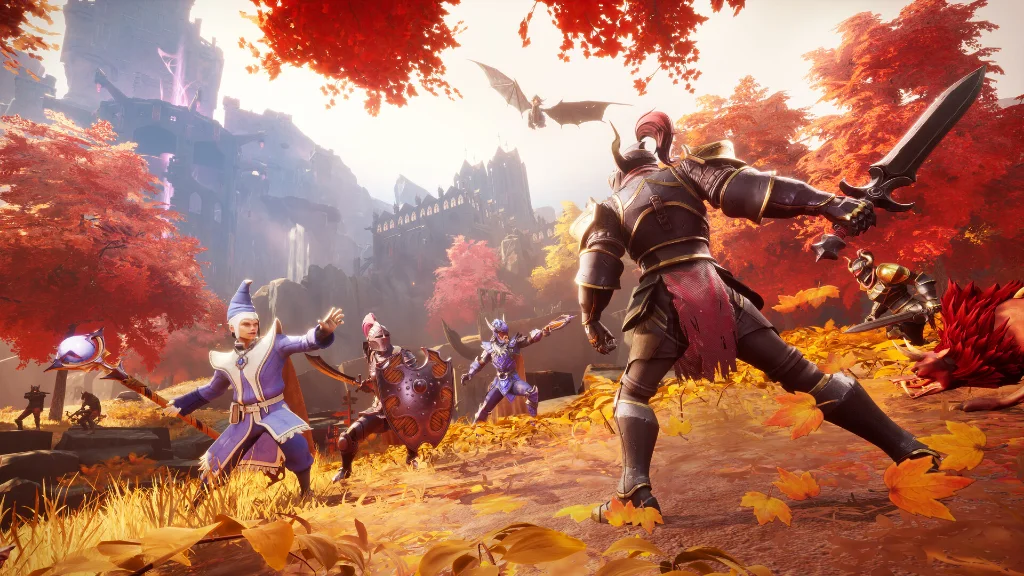
PC Players
Players on Steam, the Epic Games Store and the Jagex Launcher all join the same server.
PlayStation 5
PS5 players join your dedicated server through crossplay, straight from the in-game world browser.
Xbox Series X|S
Xbox players jump into the same world as everyone else, with the same progress and the same base.
Nintendo Switch 2
Switch 2 players are part of the crew too. One server, every platform.
Invite Codes
Share your world's invite code from the pause menu, or let friends search your world name in the world browser.
No PC Needed
The Dragonwilds dedicated server only runs on Windows or Linux. A hosted server is how console crews get a world that is always online.

A Dragonwilds World That Never Logs Off
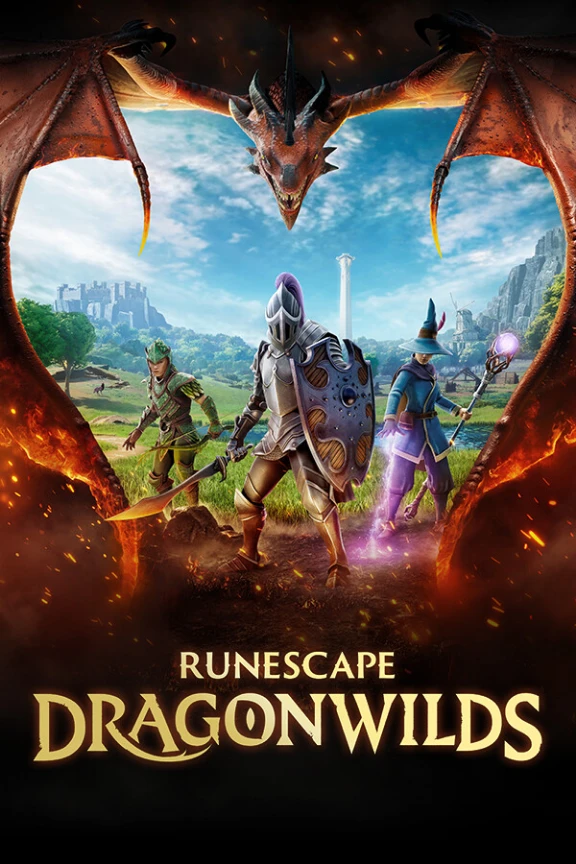
RuneScape: Dragonwilds is a survival crafting RPG set in Ashenfall, a wild continent ruled by dragons. Your crew gathers resources, levels classic RuneScape skills, builds a base and takes on bosses together. The 1.0 release added the Scorned Wilderness update with the final raid against Kuldra, plus the Umbral Sands expansion with the Agility skill and the Fight Caves.
With ThundraNode RuneScape: Dragonwilds server hosting, your world is persistent. It stays online 24/7, so up to 6 players can log in, build and explore on their own schedule, and the world is exactly where they left it.
What Is Dragonwilds Server Hosting?
A Dragonwilds dedicated server is a private world that runs on hosting hardware instead of one player’s PC or console. Nobody has to keep the game open for the world to exist, and nobody has to host every session.
When you rent a Dragonwilds server from ThundraNode, it is set up instantly on Ryzen 9 7950X3D CPUs with NVMe storage, DDoS protection, automatic backups and full file access. There is no port forwarding and no home PC running all night.
It is the obvious choice for crews that play on different platforms or at different times. Every plan is backed by a 3-day money-back guarantee, so you can try it risk free.
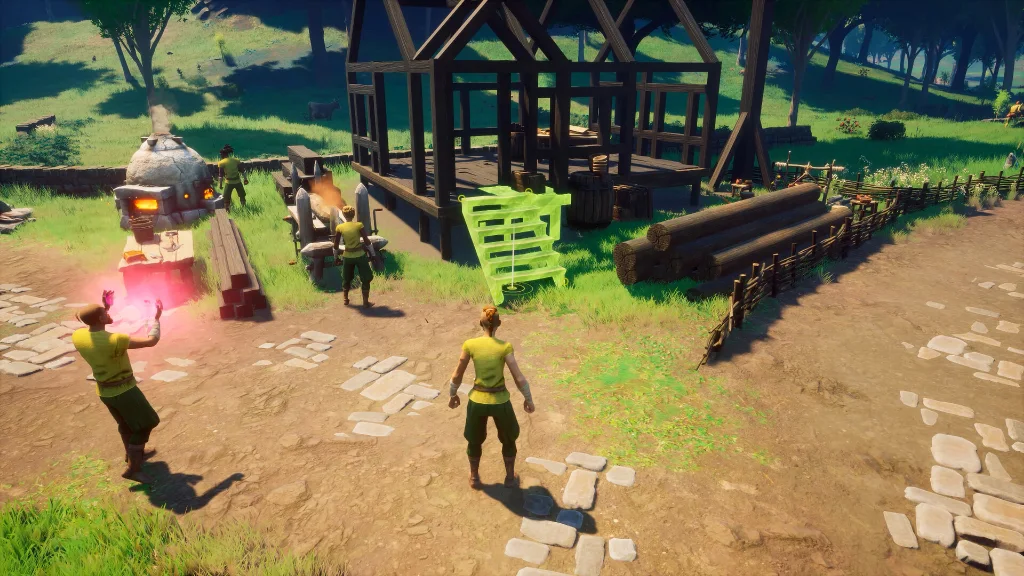
Dragonwilds Server
Features
Everything your crew needs to keep Ashenfall running, without touching a config file unless you want to.
Upload worlds, set passwords, turn crossplay on and take backups straight from the control panel.
Instant setup. Always online. More time slaying dragons.
World Upload & Backups
Bring your existing world across as a save file, and keep your base safe with automatic backups.
Crossplay Ready
Dedicated servers support crossplay, so PC, PS5, Xbox and Switch 2 players share one world.
Passwords & Admin
Lock your world with a password, and keep control with your owner ID and an admin password.
24/7 Persistent World
Your world keeps running when everyone logs off, and it is exactly where you left it when you come back.
Why ThundraNode Is the Obvious Choice
Three things matter most for a Dragonwilds crew. We built every plan around them.

24/7 Persistent World
Your world never logs off. Friends play when they want, and nobody has to stay online to host.

Crossplay Ready
PC, PS5, Xbox and Switch 2 players all join the same server. Nobody gets left out.

Instant Setup
Your server is ready moments after you order. Name your world and start playing.

Built to Perform
Ryzen 9 7950X3D CPUs, NVMe storage and Thundra Shield DDoS protection keep boss fights smooth.
Self-Hosting vs Dragonwilds Dedicated Server Hosting
Skip port forwarding, a PC left running all night, and worlds that close when the host logs off. Rent a Dragonwilds server that is built to stay online.
| Feature | Self-hosting ❌ | Our Hosting ✅ |
|---|---|---|
| World Availability | The world closes when the host stops playing | A persistent world that runs 24/7 |
| Console Crews | Consoles can't run a dedicated server | PS5, Xbox and Switch 2 players join anytime |
| Setup | SteamCMD installs, config files and port forwarding | Instant setup from the control panel |
| Performance | One PC runs the game and the server at once | Dedicated Ryzen 9 hardware keeps fights smooth |
| Home IP Safety | Players connect through your home network | Players connect to DDoS-protected servers |
| World Backups | Manual save copies you have to remember | Automatic backups of your world |
Dragonwilds Server Locations
Host your Dragonwilds server close to your crew for low ping. Choose from datacenters across North America and Europe when you order.
New York
United States
US EastMontreal
Canada
North AmericaFalkenstein
Germany
Central EuropeWarsaw
Poland
Eastern EuropeDragonwilds Server Hosting FAQ
Quick answers before you launch your RuneScape: Dragonwilds server. More questions? See our general FAQ or the knowledgebase.
Can PS5, Xbox and Switch 2 players join my Dragonwilds server?
Yes. Dragonwilds 1.0 added crossplay across PC, PlayStation 5, Xbox Series X|S and Nintendo Switch 2, and dedicated servers support it. Console players join your server from the world browser or with an invite code.
How many players can join a Dragonwilds dedicated server?
Up to 6 players can play in one Dragonwilds dedicated server world. Our 4 GB plan suits 1 to 2 players, 6 GB suits 3 to 4, and 8 GB is built for a full crew of 6.
How much RAM does a Dragonwilds server need?
Jagex recommends 2 GB of RAM plus 1 GB for each player. That is 4 GB for 2 players, 6 GB for 4 players, and 8 GB for a full server of 6.
Does my world stay online when I log off?
Yes. Your Dragonwilds world is persistent and runs 24/7 on our servers. Friends can keep playing when you are offline, and the world is exactly where you left it when you come back.
How do my friends join my Dragonwilds server?
Open the Public tab of the Worlds screen and search for your exact world name, which is case sensitive. You can also share your invite code from the pause menu. Nobody needs to set up port forwarding.
How fast is the setup?
Setup is instant. Your server is ready moments after you order, so you can name your world, set a password and start playing right away.
Can I upload my existing Dragonwilds world?
Yes. Upload your world's .sav file through the file manager, and the server loads your latest save when it starts. Your crew can pick up exactly where you left off.
Can I host a Dragonwilds dedicated server on my console?
No. The Dragonwilds dedicated server only runs on 64-bit Windows or Linux. A hosted server is the easiest way for console players to get a world that is always online.
Is RuneScape: Dragonwilds 1.0 out?
Yes. Dragonwilds left Early Access on September 15, 2026, with the Scorned Wilderness update and the Umbral Sands expansion. It is out on PC (Steam, Epic Games Store and Jagex Launcher), PlayStation 5, Xbox Series X|S and Nintendo Switch 2.
Can I password protect my Dragonwilds world?
Yes. You can set a world password so only your crew can join, plus an admin password and your owner ID to stay in control of the server.
Is there a money-back guarantee?
Yes. Every Dragonwilds hosting plan comes with a 3-day money-back guarantee. Submit a cancellation request and contact support within the eligible period and we will refund you.
Where are your Dragonwilds servers located?
You can choose from datacenters in New York, Montreal, Falkenstein, and Warsaw when you order, so you can host close to your crew for the lowest ping.
The Obvious Choice for Your Dragonwilds Crew
Crossplay on every platform, a persistent world that never logs off, and a server that is ready in moments. Launch your RuneScape: Dragonwilds server today.
Rent Your Server