

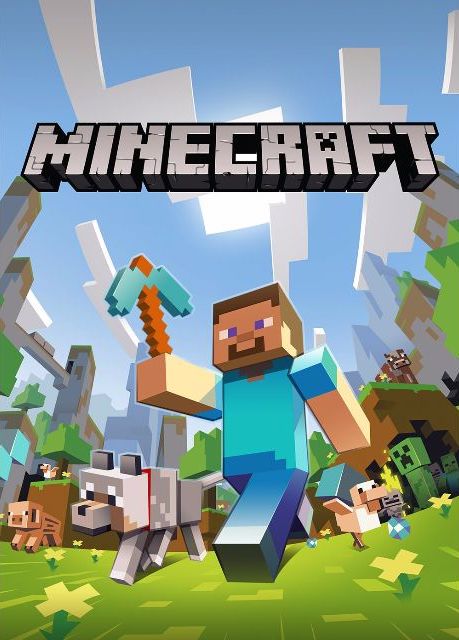
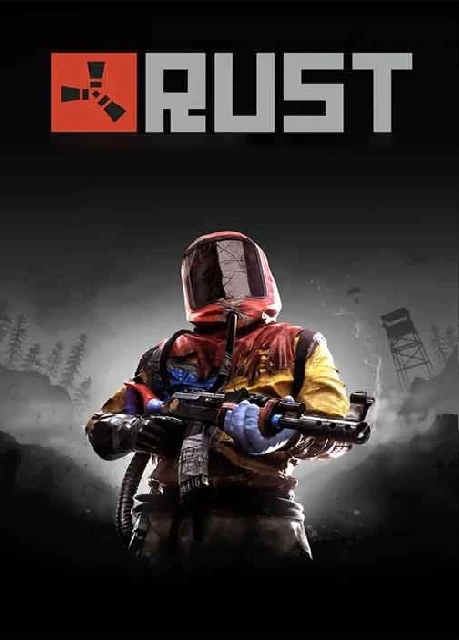
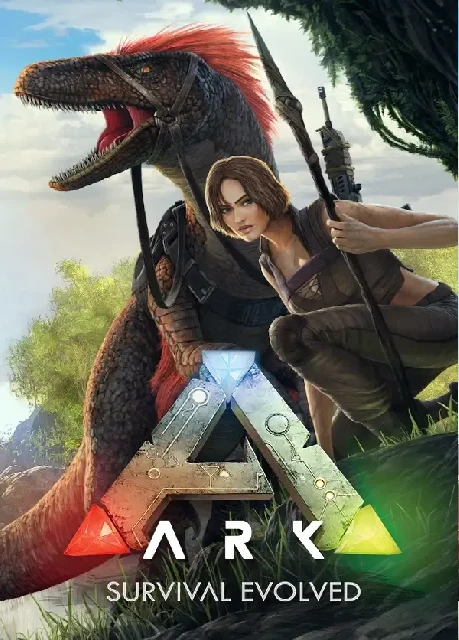
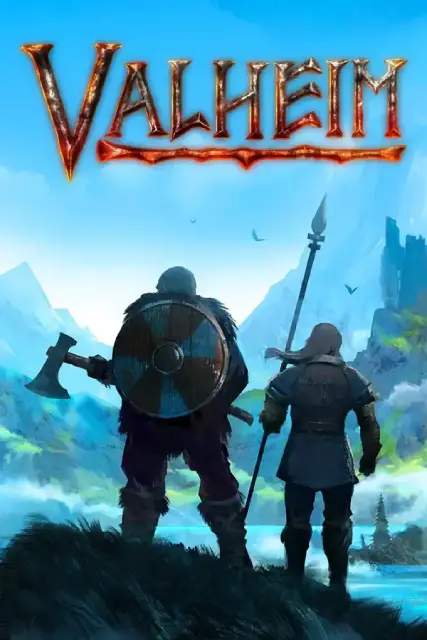
You get an always-online game server, access to the ThundraNode Game Panel, DDoS protection through Thundra Shield, file access, server controls, setup tools, and support for supported games like Minecraft, Rust, ARK, Valheim, Satisfactory, Conan Exiles, DayZ, and more.

ThundraNode Help Center
Game Server Hosting FAQ
Clear answers before you launch: how ThundraNode hosting works, what the custom Game Panel does, how Minecraft Java + Bedrock crossplay, modpacks, plugins, backups, billing, and support fit together.
Custom Game Panel
Java + Bedrock Crossplay
1-Click Modpacks
All Mods & Plugins
Thundra Shield DDoS
Setup Guides
3-Day Guarantee
Launch Faster
Most servers deploy automatically after payment, so you can log in, pick your game settings, and start inviting players within minutes.
Control Without Hassle
Use the ThundraNode Game Panel for console access, files, backups, restarts, startup options, reinstall tools, plugins, modpacks, and custom jars.
Guides When You Need Them
Use our knowledgebase for crossplay, modpacks, plugins, file uploads, version changes, and panel help instead of guessing through server setup.
Questions Before You Start
These answers are written for players comparing hosts, moving from another provider, or setting up their first private server with ThundraNode.
Hosting Basics
What does ThundraNode game server hosting include?
How quickly is my server ready?
Most servers deploy automatically after payment is complete. You receive access details, log into the ThundraNode Game Panel, and can start configuring the server within minutes.
What is the ThundraNode Game Panel?
It is our custom game control panel for managing your server. You can start, stop, restart, view the console, manage files, run backups, edit startup settings, reinstall, and handle common game-specific setup tasks from one place.
Can I upgrade my server later?
Yes. If your player count grows or you need more resources for mods, plugins, or larger worlds, you can upgrade your plan from the client area or contact support for help choosing the right size.
Do I need technical experience?
No. The panel keeps common tasks simple for first-time server owners, while still giving advanced users file access, console tools, startup settings, and configuration control.
Minecraft, Mods & Files
Can I install Minecraft plugins, mods, and modpacks?
Yes. We support Minecraft plugins, mods, modpacks, custom jars, and manual uploads. There is no host-side whitelist blocking what you can run; if it works with your Minecraft version and your plan has enough resources, you can host it here.
Can I use Minecraft Java and Bedrock crossplay?
Yes. We support Java + Bedrock crossplay using compatible server software and plugins such as Geyser and Floodgate. The exact setup depends on your Minecraft version, server jar, and how you want players to connect.
Do you have guides for crossplay, mods, and plugins?
Yes. Our knowledgebase includes setup guides for common Minecraft tasks, including crossplay, modpacks, plugins, file uploads, version changes, and using the Game Panel.
Can I use my own world or server files?
Yes. You can upload worlds, configuration files, plugins, mods, and server jars through the file manager or supported file transfer tools. Create a backup first if you are replacing an active world.
Do you support custom jars and versions?
Yes. You can use supported server software, custom jars, and version changes for many setups, including modded and plugin-based Minecraft servers. Always back up your files before changing Minecraft versions, modpacks, or major game branches.
Are backups included?
Backup tools are available in the panel so you can protect worlds and server files before major changes. For best results, back up before installing large modpacks, changing versions, or editing important configuration files.
Can support help move my server?
Yes. If you are moving from another host or from self-hosting, contact support with the files you have and the game you are moving. We can guide you through the migration process.
Billing & Account
What payment methods do you accept?
Available payment methods are shown at checkout. Card payments are handled securely by our payment processor, and supported alternative payment options may also appear in the billing system.
Can I get a refund if the service is not right for me?
We provide a 3-day money-back guarantee for eligible services. Submit a cancellation request and contact support within the eligible period so our team can review and process the request.
What happens if I miss a payment?
Your service may be suspended if an invoice remains unpaid. If you need billing help, open a ticket before the due date so we can review your account and explain the next steps.
Where do I manage invoices and account details?
Invoices, active services, account information, cancellation requests, and support tickets are managed through the ThundraNode Client Area.
Is there a contract?
No long-term contract is required for standard hosting plans. Services renew based on the billing cycle you choose, and you can manage cancellation requests from the Client Area.
Performance & Support
Which server location should I choose?
Choose the location closest to most of your players. A closer location usually means lower latency and a smoother connection for your community.
Do ThundraNode servers include DDoS protection?
Yes. ThundraNode services include automated DDoS protection through Thundra Shield to help keep your game server online and reachable during attacks.
Why is my server lagging?
Lag can come from heavy mods, oversized worlds, too many entities, high player counts, overloaded plugins, or configuration issues. Support can help narrow down the cause and recommend changes.
What hardware powers the servers?
ThundraNode focuses on high-performance game hosting with Ryzen-class CPUs, NVMe SSD storage, and a low-latency network. Resource needs still depend on your game, player count, world size, and mod or plugin load.
How do I contact support?
Open a ticket from the Client Area with your service, game, and a clear description of the issue. Screenshots, logs, recent changes, and the guide you followed help us solve problems faster.

Need help choosing or moving a server?
Open a ticket with the game you want to host, expected player count, mods, plugins, crossplay needs, and any existing files. We will help you choose the right plan or point you to the right guide.